Shared company calendars
Run separate calendars for product, marketing, holidays, operations, leadership, or any planning stream your company needs.
Features
justHorizon keeps the shared view simple while giving teams enough structure to publish, filter, protect, and audit the dates that matter.
Planning views
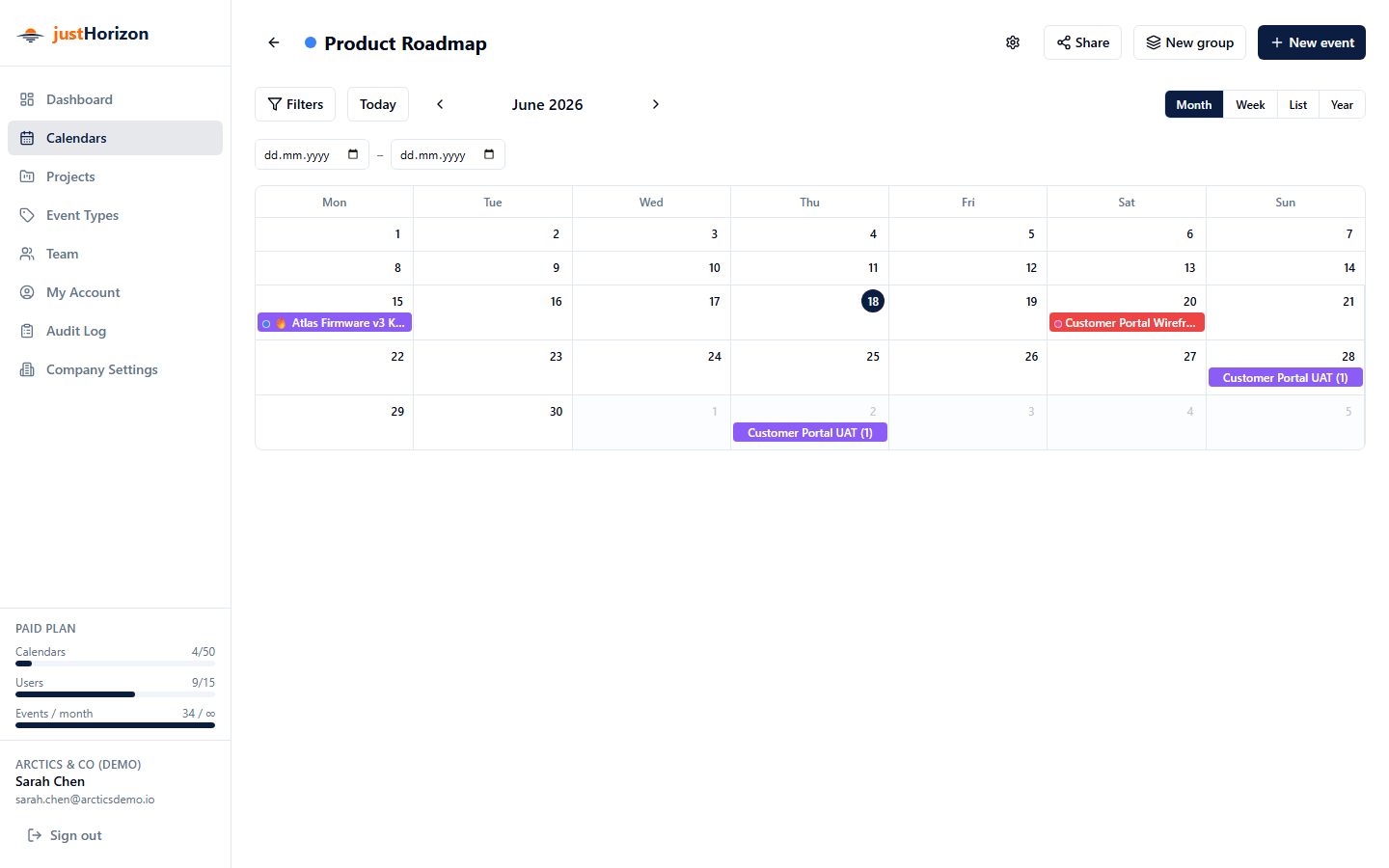
Run separate calendars for product, marketing, holidays, operations, leadership, or any planning stream your company needs.
Use color-coded toggles to combine or isolate calendars and quickly understand what is happening across the business.
Move from a high-level annual overview to a precise weekly plan without changing tools or rebuilding the same information.
Longer work appears as a spanning bar, making release windows, holidays, and project phases visible before they become scheduling conflicts.
Projects and context
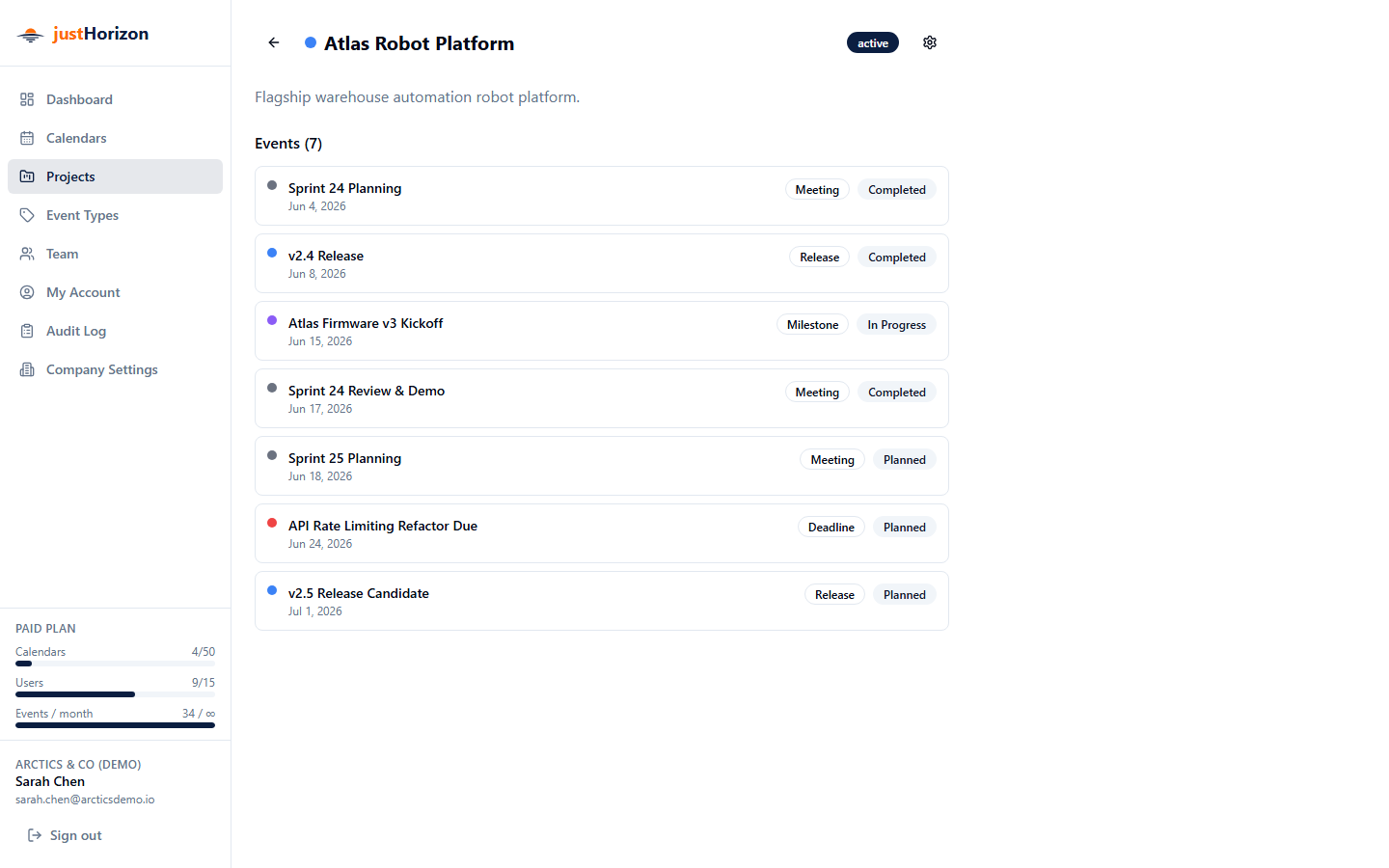
Attach events to projects so teams can follow the timeline behind a launch, customer delivery, internal initiative, or operational change.
Bundle related dates into one visual unit. Groups automatically span the full range of their member events for faster scanning.
Create categories for meetings, deadlines, releases, vacations, reviews, and handoffs with clear colors and icons.
Open the context behind a project or event when someone asks why a date moved or which team owns the next step.
Collaboration
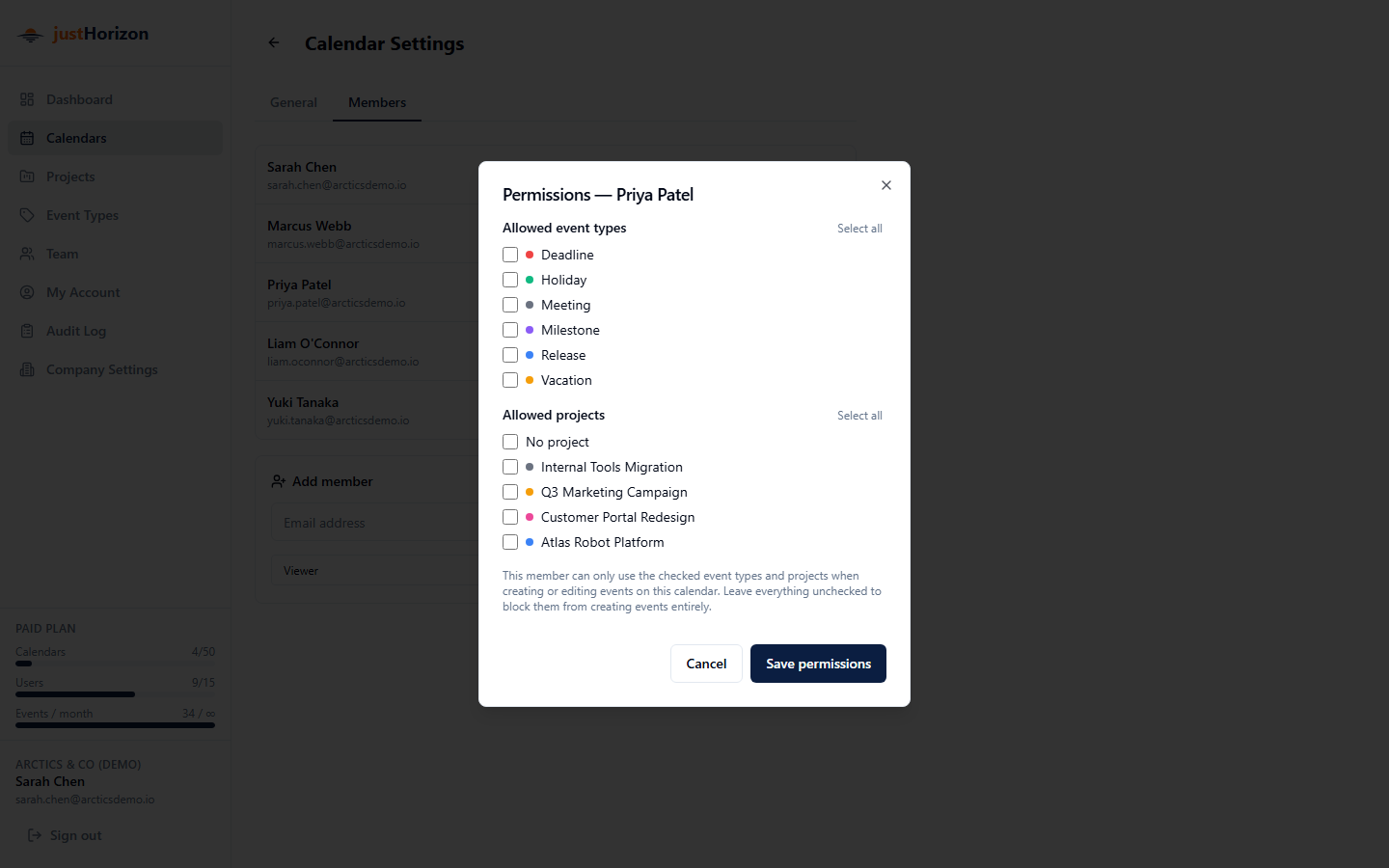
Assign viewer, editor, or admin access per calendar. Admins manage settings and members, editors maintain dates, and viewers stay informed.
Invite teammates by email, track pending invitations, and keep each calendar's membership aligned with the team that owns it.
Governance
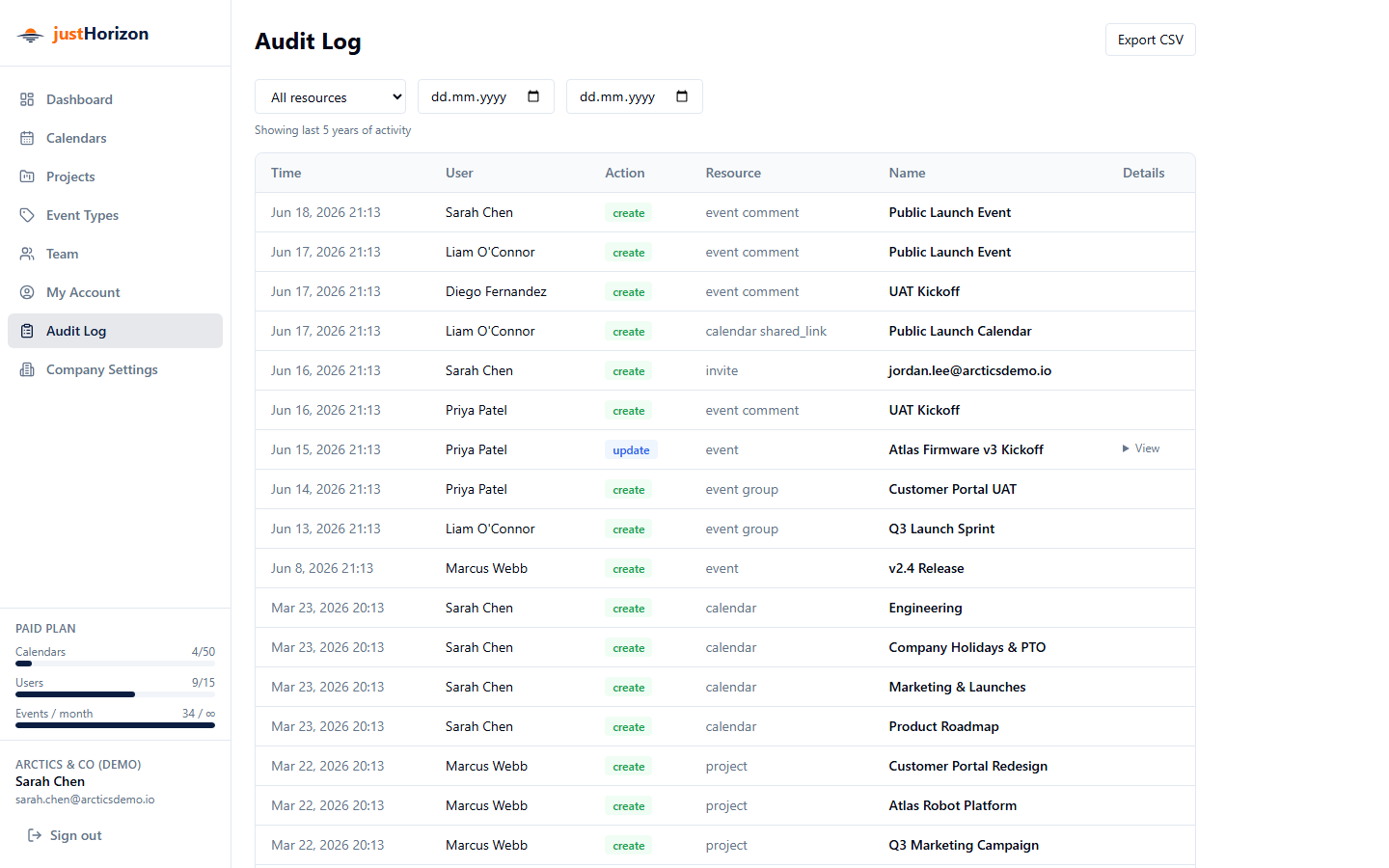
Every create, update, and delete is recorded with before and after snapshots, so teams can understand what changed and when.
Team plans can export audit logs for reporting, reviews, and lightweight compliance workflows.
See calendar and event usage against plan limits before a busy team runs into a blocker.
Free and Team plans show exactly how many calendars, members, and events are available, so teams can plan adoption confidently.
Make dates easier to trust